Appointment Reminder Service
Automated appointment reminders and waiting list validation to reduce DNAs and maximise use of clinical time

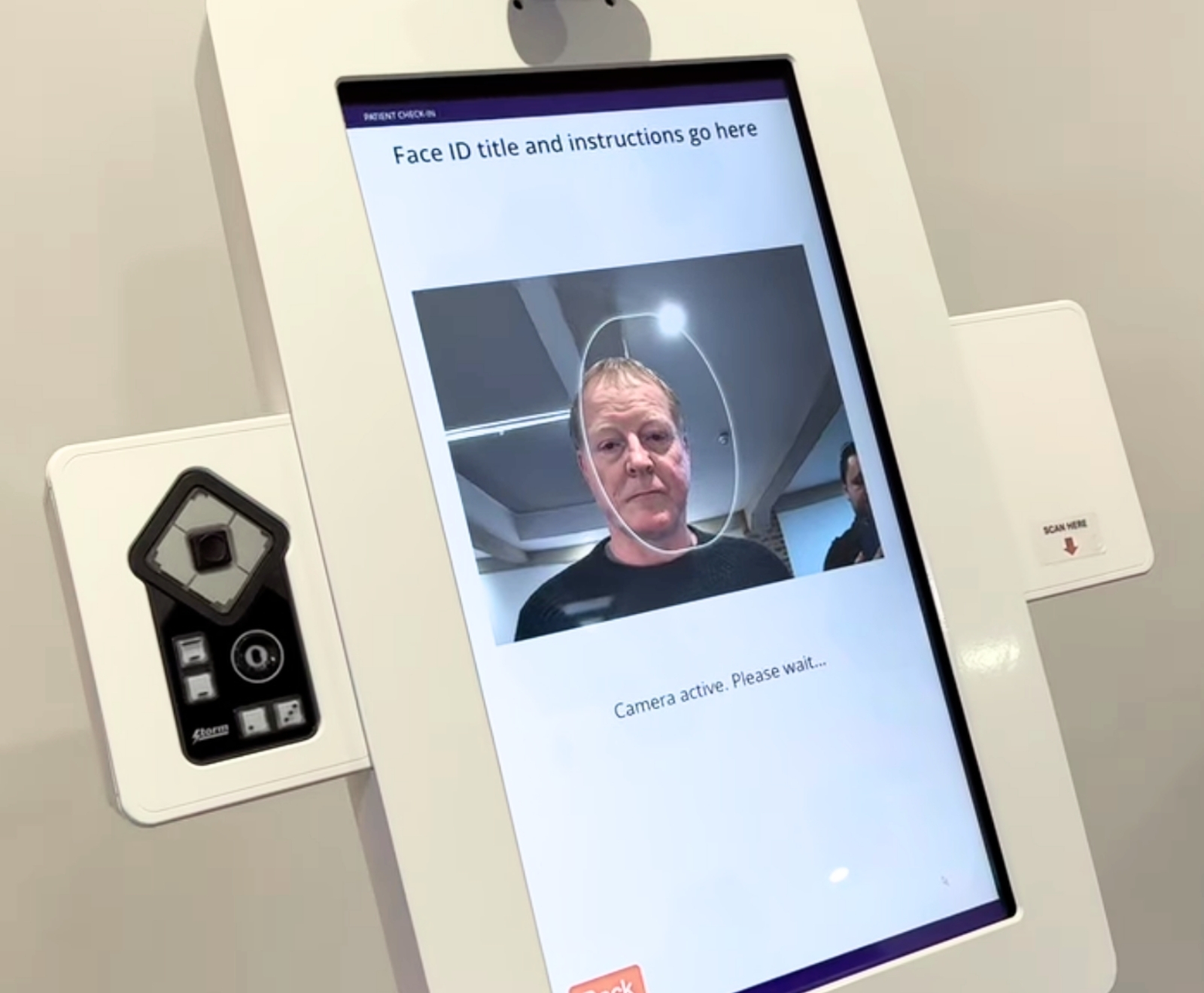
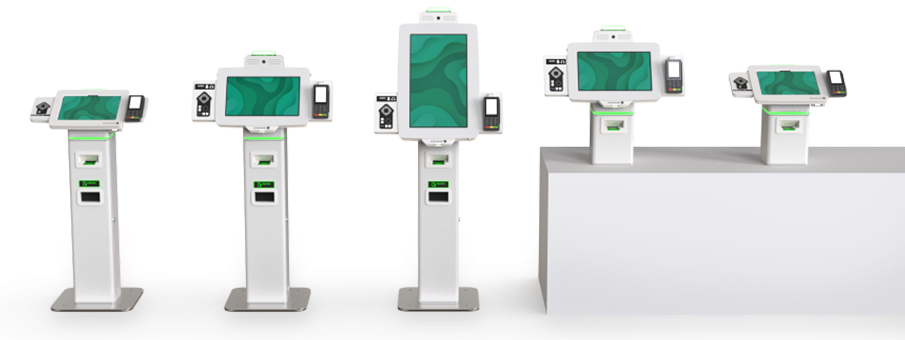
Savience is widely regarded as a leader in self-service, check-in technology that is shown to cut queues in outpatients, reduce pressure on staff and improve the patient experience.
But this is only half the story. Its technology goes a lot deeper to provide a complete solution for actively managing the entire appointment process and delivering real value to patients and healthcare organisations alike.

Automated appointment reminders and waiting list validation to reduce DNAs and maximise use of clinical time

Allowing patients to view, manage, and check in to appointments from their own device—no downloads, no updates
For fast, inclusive access on-site, with assistive technology and optional AI-powered workflows
Real-time queue management and patient calling, powered by the Clarity engine, giving staff greater control and visibility
Savience’s business is about the digital transformation of healthcare; the profound transformation of business and organisational activities and processes using tried and tested digital technologies.
New digital processes offer an enormous opportunity to deliver a step change and a fundamental shift in focus from purely volumes to value. Optimising the patient experience, creating operational flexibility and an agile organisation able to continually adapt efficiently to sharp fluctuations in demand are paramount, but attainable.
Healthcare is at a crossroads with greater demand on fewer resources. Embracing transformational change offers measurable improvements in efficiencies to maximise resources and save vital cash.
Digital technology is the connective tissue of a modern healthcare system that helps create genuinely transformative change.
Explore the steps below to find out how our solutions carve a path on the digital patient journey.







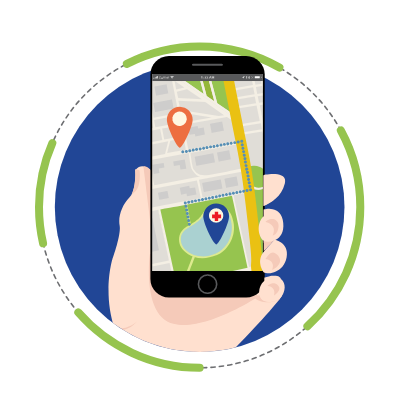



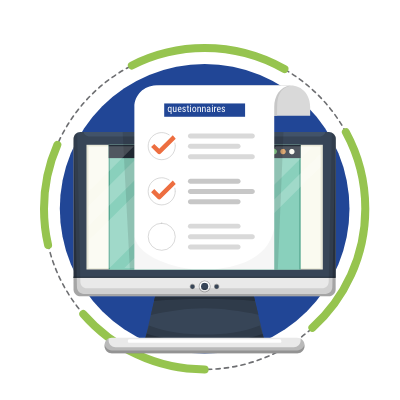
How Savience are Transforming Healthcare
Please leave your details and a member of our team will get in touch to arrange your demo.
Alternatively, email us at info@savience.com, or call us on the numbers below:
UK Office: +44 (0)1604 878510 Canada Office: +1 343 803 9072